Docs · Step by step
Set an agent a goal
A goal with acceptance criteria: the agent does the work, and an independent acceptor decides whether the goal is reached.
Set a goal
- The agent card → the “Goals” tab.
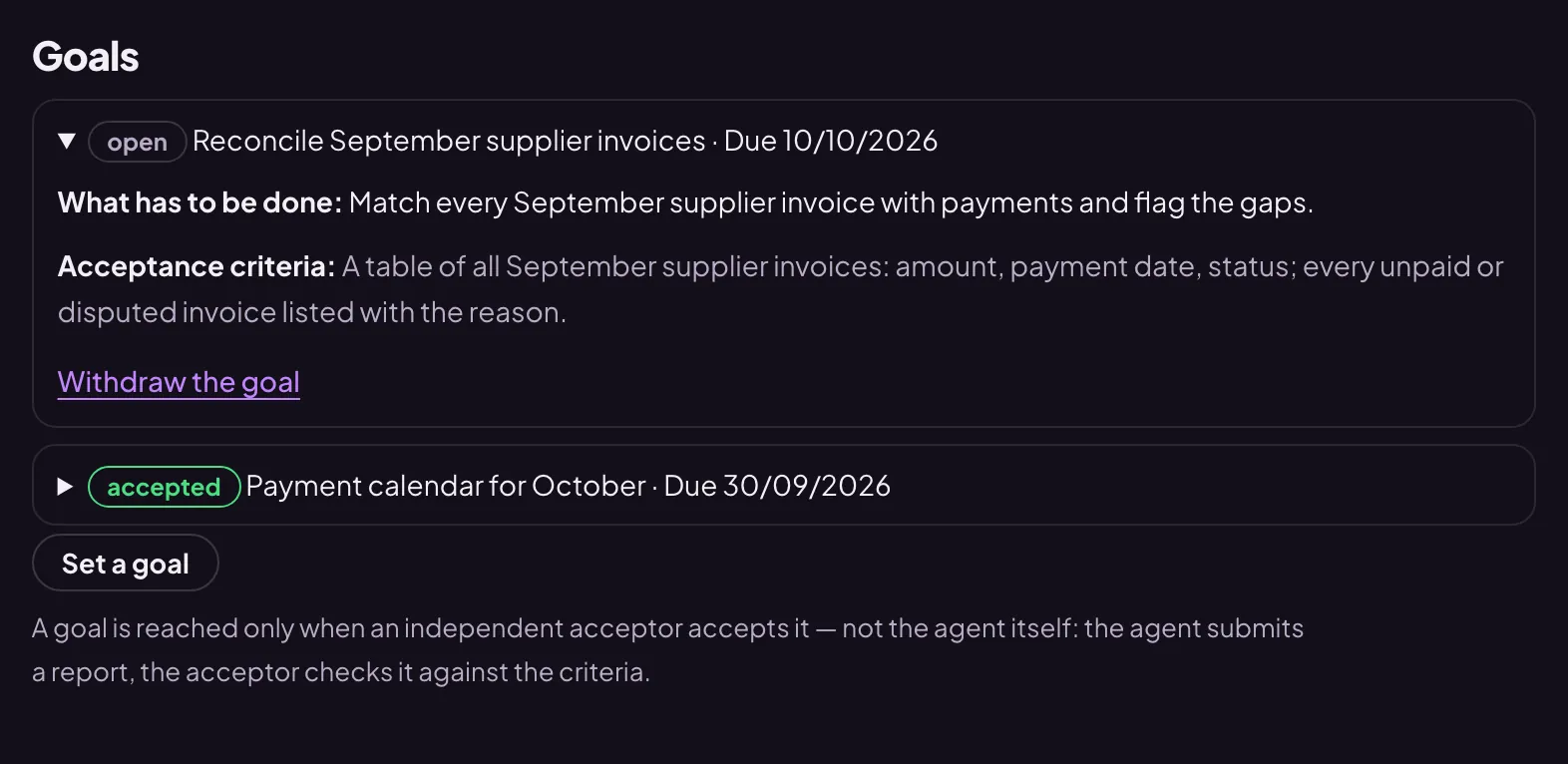
- Press “Set a goal” — the form opens. Fill in the “Title”, “What has to be done” and “Acceptance criteria”; the “Due” date is optional.
- Press “Set the goal” under the form. The goal appears in the list as “open”.
The agent sees open goals in every conversation. It works when someone addresses it, so after setting a goal, write to it where to start.
How to write the criteria
The acceptor decides by the criteria whether the goal is reached: what must be done and what proves it. Words like “done” or “all finished” without substance do not count as proof.
- Weak: “Prepare a report on suppliers”.
- Good: “A table of three suppliers: price, delivery time, payment terms; every row says where the data came from”.
What happens next
- Having done the work, the agent submits a report.
- The acceptor — a separate check, not the agent itself — compares the report with the criteria and marks it “accepted” or “not accepted” with remarks.
- A goal that is not accepted becomes “returned”: the agent finishes it according to the remarks and submits it again.
Every submission is visible in the card: the “Agent’s report” and the verdict on the “Acceptor” line. If the goal is no longer needed, press “Withdraw the goal”.