Docs · Step by step
Connect Telegram and grant access
A bot for the agent, who may write to it and how to work with it in a group.
Create a bot
- Open @BotFather in Telegram and send it
/newbot. - Choose a name for the bot and its handle — the handle must end in
bot. - BotFather sends a token — a string like
123456789:AA…. Do not forward it to anyone.
Connect the bot to the agent
- The agent card → the “Connection” tab → the “Telegram bot” section.
- Paste the token into the “Token from BotFather” field and press “Replace the bot”.
- Within a few minutes the bot’s handle appears in the section. The token is write-only: once saved, nobody sees it.
Grant access
Only the people you let in can write to the agent.
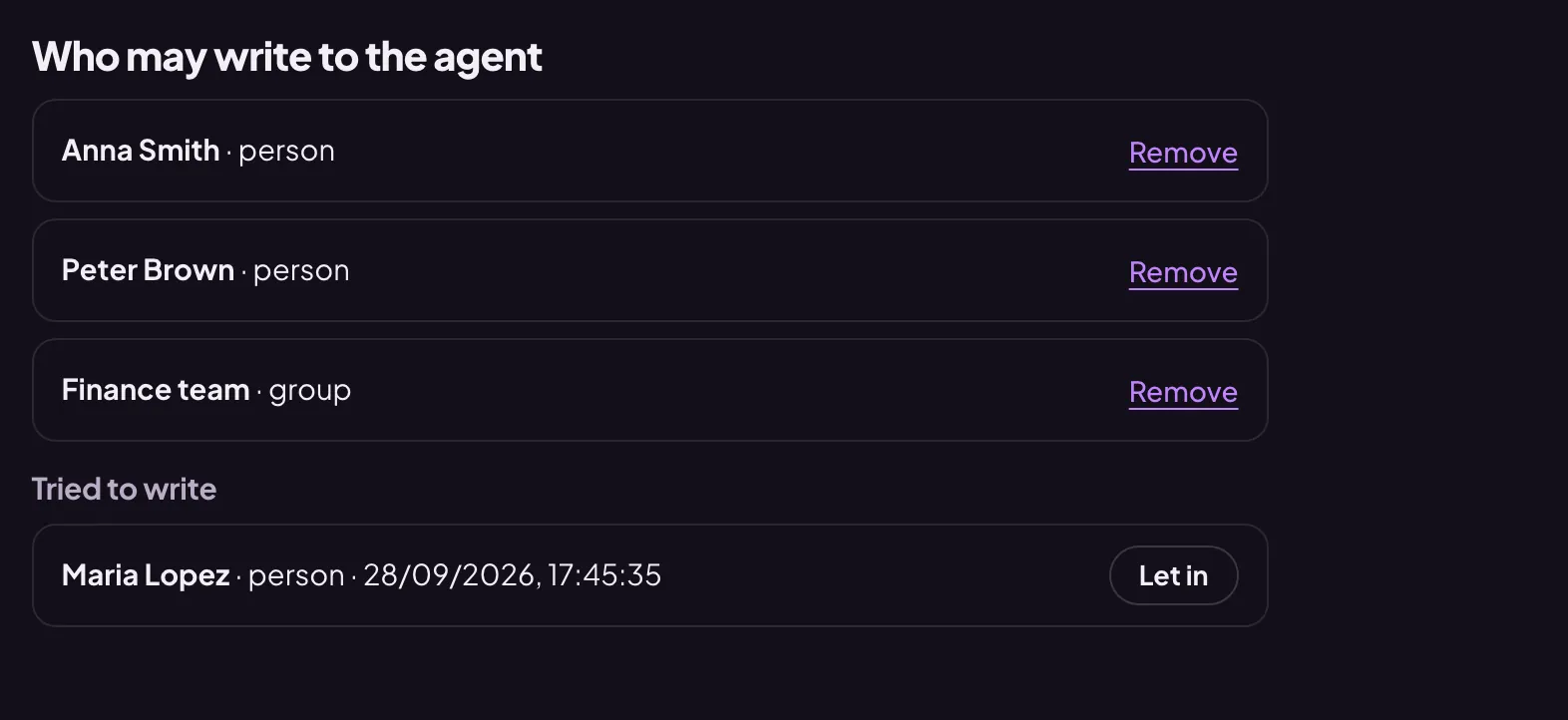
- Ask the person to send the bot any message. The agent will not reply, but the person appears on the “Access” tab in the “Tried to write” list.
- Press “Let in” next to them — they move to the “Who may write to the agent” list.
- To close access, press “Remove” next to the person.
The agent in a group
- Add the bot to your team group.
- Mention the bot in the group by its handle — the group appears in “Tried to write”. Let it in.
- From then on, the agent answers in the group when it is mentioned or someone replies to its message. It does not butt into the conversation. In a group with topics, it answers in the topic where it was asked.
If the agent is silent
- Check that the person or the group is in the “Who may write to the agent” list.
- In a group, address the agent by the bot’s handle or by replying to its message.
- Look at the agent in the “Overview”: if it is stopped or has hit a limit, it shows there.
In Telegram the agent accepts text only: it does not read files or voice messages yet. You can also write to it without Telegram — with the “Write to the agent” button in its card.